
Know the Dangers of the Internet to Prevent Them
Learn the biggest dangers of the Internet at home: Wi-Fi theft, stolen money, personal data, middleman attacks and more. Know them to protect yourself.
Let’s start with a rough summary of the Internet: that entity where data magically travels between connected devices.
Unfortunately, this great utopia is not free of dangers, and almost all of these dangers aim to steal the savings of the innocent or take advantage of those who legally pay for a service. After all, browsing the Internet isn’t that different from walking down the street when it comes to dangers.
Since there are dangers on the Internet and you are a user of this network, it is highly advisable to know them, just as we know the potential dangers of driving a car or skydiving.
But what are the biggest Internet dangers that affect our homes? The most dangerous are:
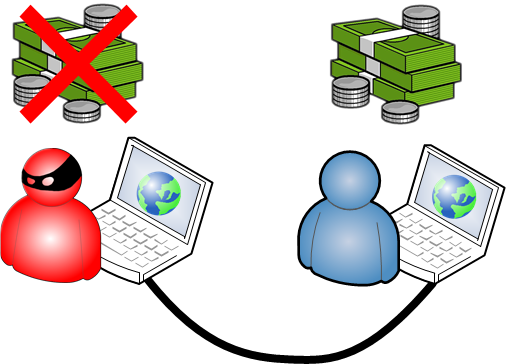
- Those who want to avoid paying and take advantage of what others have paid for. The analogy is a neighbor charging their phone battery from the outlet in your house, an outlet that you are paying for. This usually happens with neighbors who steal your Wi-Fi connection, which is a big danger, not only because they steal the connection you pay for, but because they could intercept our data. Another very dangerous example on mobile devices is viruses that use SMS (or even worse, if the attacker uses Premium SMS, which are messages that cost around €2 each; if we multiply that, we will see how a lack of security can be very expensive) and the calls included in our plan; a plan the attacker uses for free, leaving a very expensive bill for the victim.
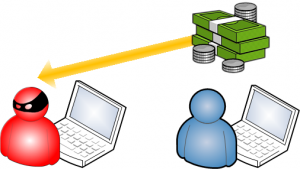
- Those who want to steal money. The real-life equivalent is going to an ATM and having a thief steal the money you just withdrew. There are several ways to achieve this; the most common is infecting the victim’s computer with a virus and getting the credentials to their bank account, so they can make transactions.
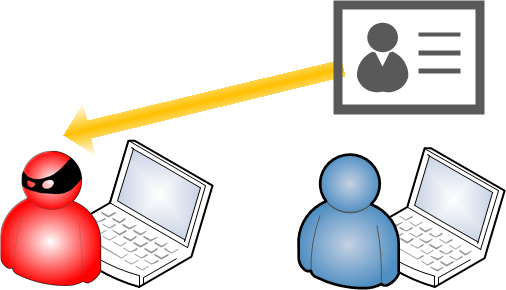
- Those who want to gather personal information to sell it or to blackmail. This danger is unique to the Internet, since the goal is to collect as much data as possible about each person in order to use it for various shady purposes, such as sending them ads or selling the information to third parties. Another danger is if they get the passwords to your email, social networks, bank accounts, etc., so the attacker could blackmail the victim for money.
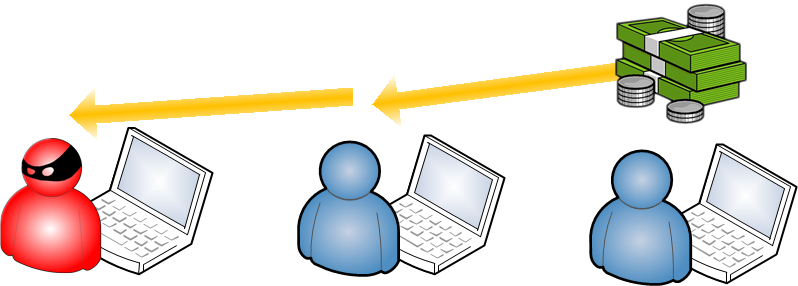
- Those who look for a middleman between the attack and the victim in our devices. For example, someone who wants to steal money or personal data first attacks one victim to take control of their computer, and then makes that computer carry out the theft against a second victim. Why do it this way instead of directly? So that, for example, when the police look for the culprit, they find the middleman’s computer the attack came from and not the thief responsible.
- Those who want to destroy devices. Although it sounds like the most alarming, and although an attack could be sent against a computer to render it completely useless, it is not usually the most common, since it earns no money and doesn’t give control of the computer for other purposes. You could say that doing this is the dumbest thing an attacker can do, since it achieves nothing, it’s just taking a risk for the sake of it, and they could end up in prison because it’s easy to discover that an illegal act was committed. If you look at all the previous attacks, they all depend on you not realizing you are being attacked, because they are carried out covertly.

All of them are hard to carry out unless they rely on anonymity. For example, a neighbor usually isn’t bold enough to use someone else’s electricity because they would be embarrassed, since they can’t hide; but the anonymous thief, hidden behind a mask, is unfortunately quite common. The dangers of the Internet tend to be anonymous and invisible to the victim, who doesn’t notice until it’s too late. Unfortunately, reporting these terrible cases is quite complicated, since attacks are rarely carried out from the victim’s country (that is, if you even know where the attack came from), and therefore outside the jurisdiction that usually protects us.
As you probably know, nearly all attacks today have the ultimate goal of getting money or saving it, by whatever means. All of this is done as anonymously as possible, so another goal of the attacks is to hide the attacker, using the innocent person as a middleman between the real victim and the attacker, so that when the police look for a culprit they find the innocent person’s infected computer.
On the Internet, being anonymous is relatively easy, since only advanced users know how to remove the masks or take the right security measures. That’s what this series of tutorials is for: to lock down your Internet connection and turn you into a more advanced user.
In the upcoming tutorials we will publish, we will explain how to protect ourselves from many of these attacks, or at least how to recognize them so we can take the right measures. Many attacks are easy to protect against or avoid if you know how, so it is very important for our security to do something so that we don’t become potential victims.
“Know the Dangers of the Internet to Prevent Them” by Ramón Invarato at jarroba.com, licensed under Creative Commons Attribution-NonCommercial-ShareAlike 3.0. Registered at Safe Creative.

You may also like


How to Protect Our Wi-Fi Wireless Network
Learn why a Wi-Fi network is vulnerable, how data can be intercepted, and how to protect it with encryption keys, router settings and MAC address filtering.
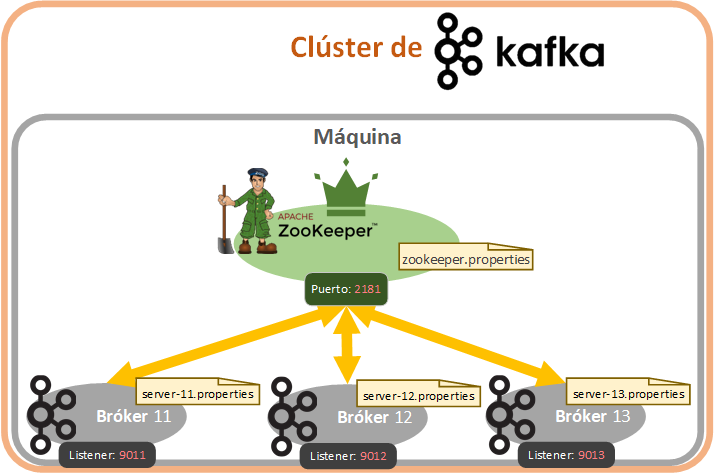
Fault-Tolerant, Highly Available Apache Kafka Cluster
Learn how to set up a Kafka cluster with multiple brokers, distributed across several real cloud servers, step by step.
Leave a comment